1. Front Cover (1)
I decided to use a simplistic symbol which most would recognise from the volume increase key on apple inc's operating system. I also have seen this symbol being used on a book which I own, written by a personal favourite and inspirational figure in music 'David Byrne'.
2. Front Cover (2)
The Bible. Yes, I admit this one doesn't take Moriarty to decode. The chosen band name we have used throughout this project is 'Presbyterian Church of Korea'. For this reason I felt nothing other than an obvious church (or a not so obvious North Korean Kim Jong-Un) would suit better than a bible. Another reason for my use of the bible is that a neon counterpart is used upon Arcade Fire's 'Neon Bible', which again is a piece of work which I take influence.
3. 'Cover Inside' Filler
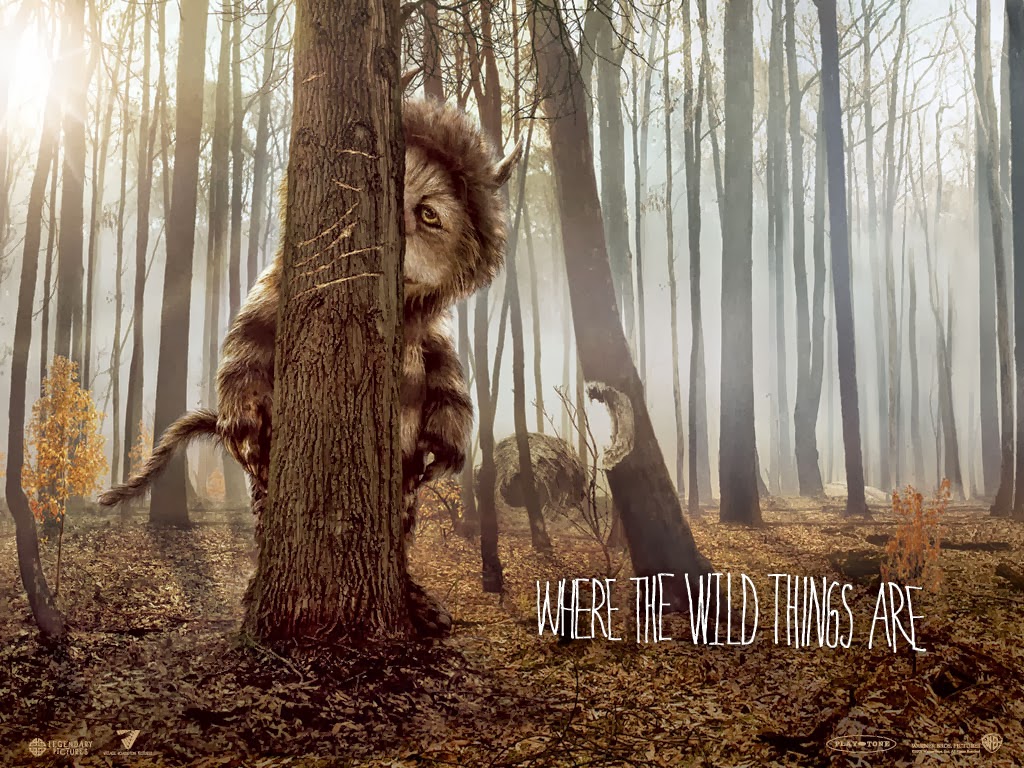
I decided to fill my inside cover with the band name for a couple of reasons. Firstly I have bought a product in previous years which fills the inside cover with the album name 'Phoenix - Bankrupt!' because the front cover uses NO text, this is similar to my front cover (s). My album is self titled (because it is a debut album and stereotypically a lot of debut records are named after it's contributors). The font I have used on my inside cover reminds me of the lead font used for a film which goes by the name of 'Where The Wild Things Are' produced by a personal hero of mine Spike Jonze. This font appears rather home made which mirrors styles used by bands such as Arcade Fire and Sigur Ros.
4. Folding inside cover which links to make one image. Matching up with another side when folded back and forward.
I am very keen on the idea that my digipak will intertwine one side/cover with a different side/cover to make one fluent image. I have seen this done in records from home, ... of the top of my head they include;
Phoenix - Bankrupt! (coins)
LCD Soundsystem - This Is Happening (JM)
5. Back Cover/ Tracklisting
I want my back cover to be as minimal as the front. I feel there have been some noteworthy pieces of work released in the past which show a minimal cover but fail to deliver on the back. Instead they load rear cover with an ugly tracklisting, an even uglier barcode and some more ugly manufacturing/franchise jargon to finish it off.
To dodge this problem I have decided to use a thin sticker barcode (similar to what David Byrne did on his St Vincent collaboration album), have minimal font and a simplistic company logo (DFA). Even the DFA logo has been changed so that it is not an eye soar. (originally the lighting strike was all white, I decided I only wanted the outline). I do still need a tiny piece of legal information adding, however because my record label (DFA) are an independent label and production team they do not have to go through large companies to produce their work. This will cut down on the rubbish which would normally be added to the bottom of a back cover.